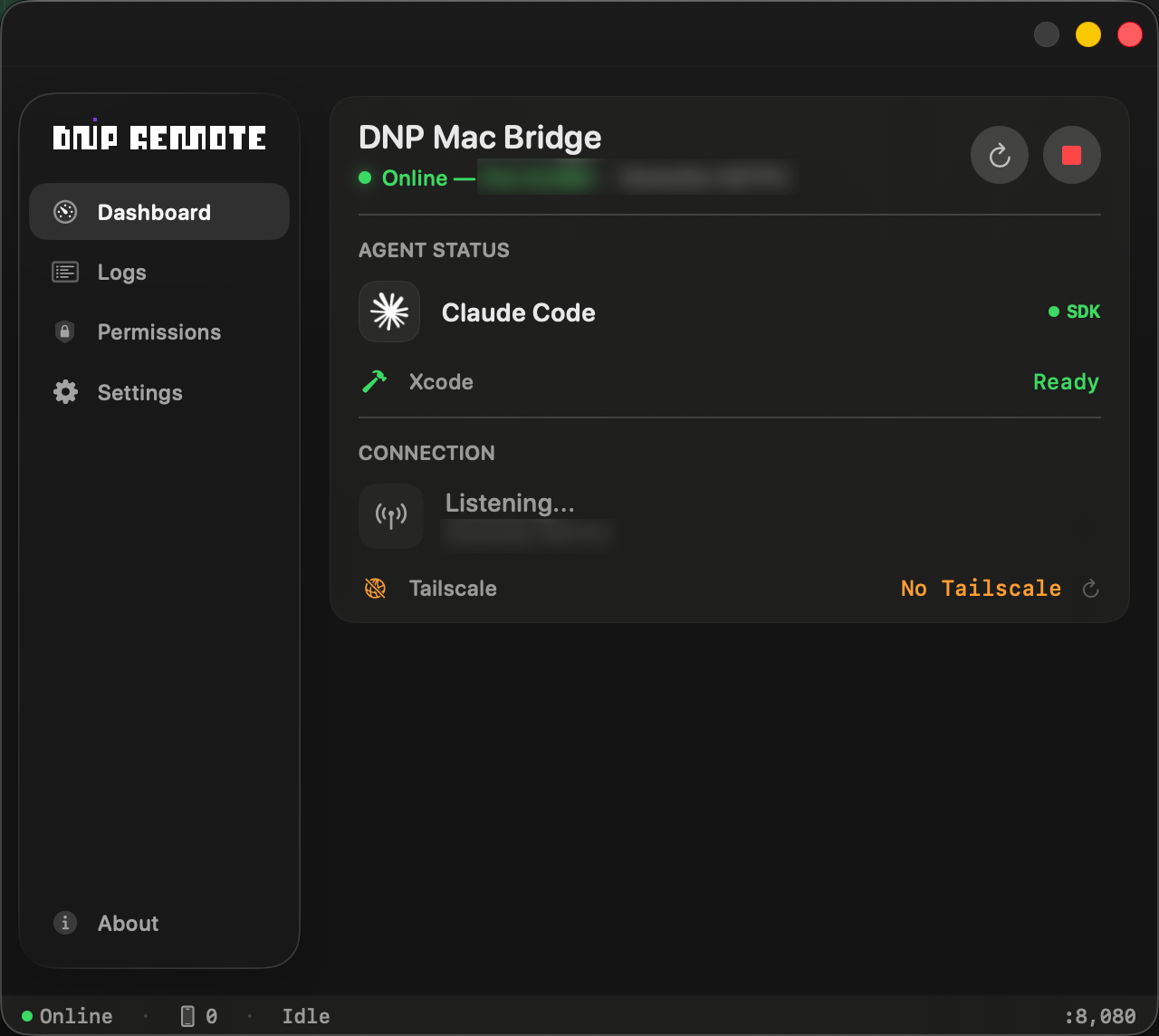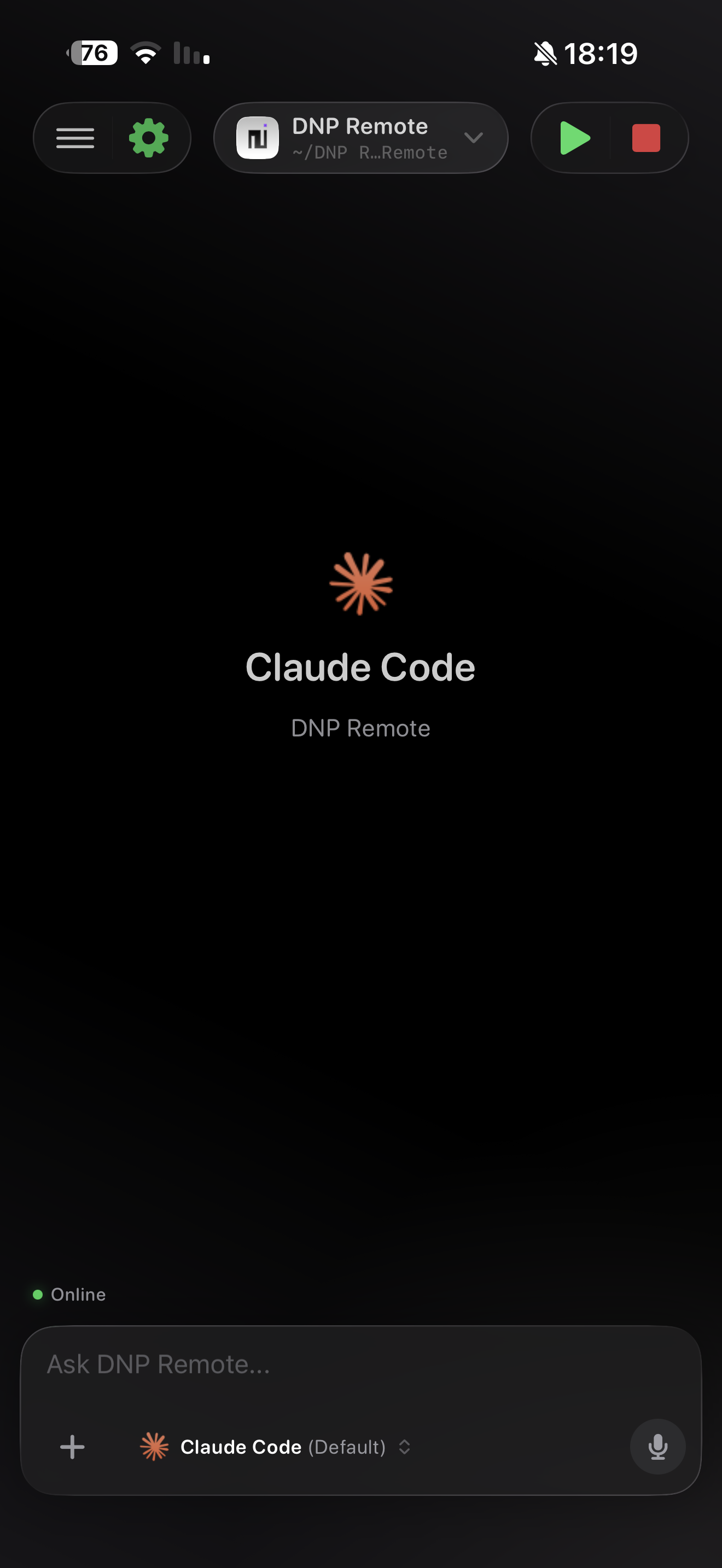
Open the Mac Bridge app on your Mac and scan the QR code with DNP Remote on your iPhone. You're connected in seconds with end-to-end TLS encryption - locally or via Tailscale from anywhere in the world.
Pick from Claude Code, Cursor, VS Code, or OpenAI Codex. Switch between agents mid-session without losing your history or context.
Send prompts, watch the agent's tool activity stream in real time, browse your project files, and mirror your simulator - all from your iPhone.
All the tools a developer needs - chat, files, screen, and sessions - in your pocket
Send prompts and receive streaming responses from your agent in real time

Browse your Mac's project tree and view file contents directly on your iPhone
Mirror your iOS Simulator or Mac screen live - see exactly what your agent is building
All your coding sessions saved with full message history and token usage stats
Switch between Claude Code, Cursor, VS Code, and OpenAI Codex with one tap
Scan the QR code on your Mac Bridge and you're paired instantly - no manual IP setup needed
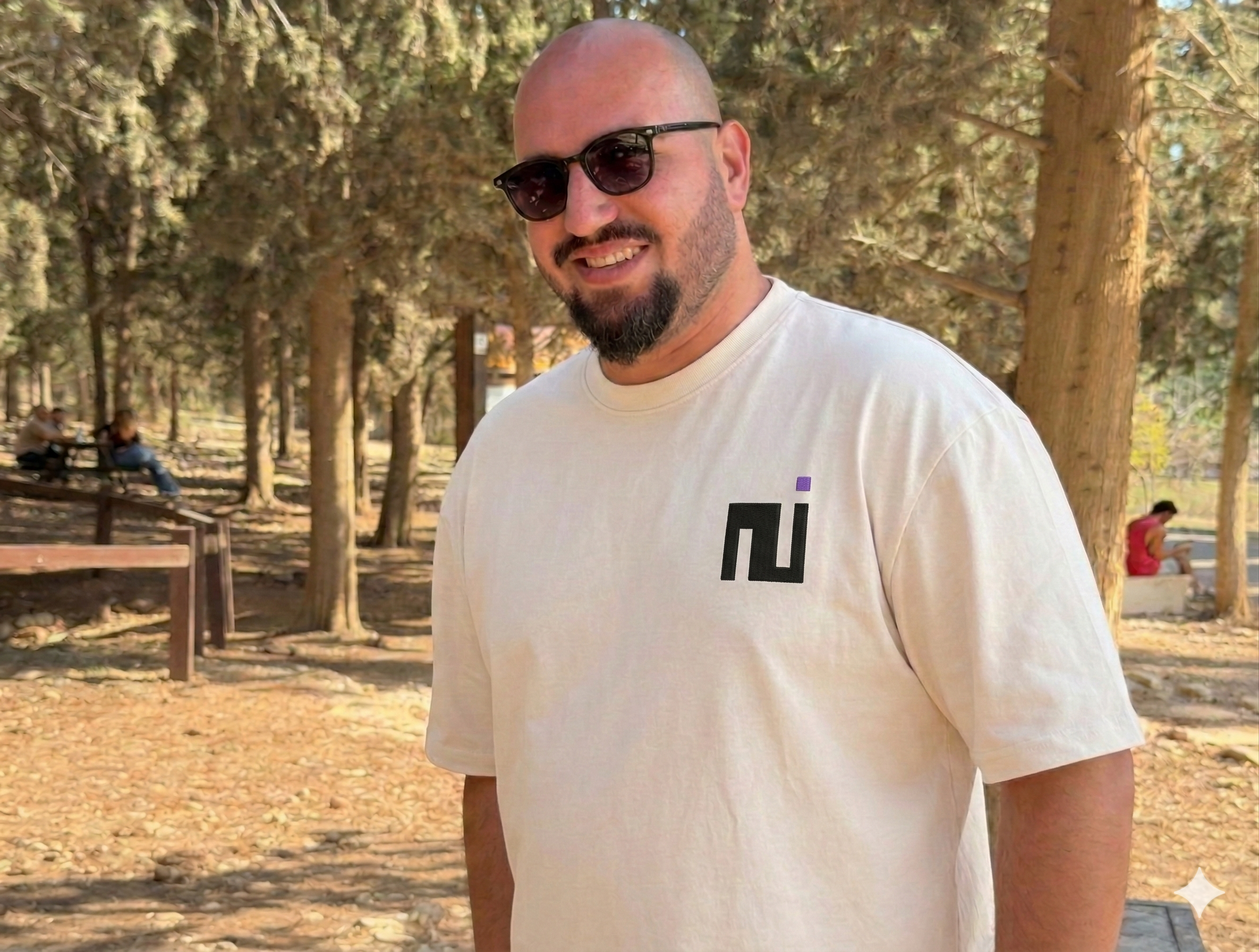
I built DNP Remote because I wanted to code from my couch - or anywhere - without being tied to my desk. The idea was simple: your iPhone should be able to talk to your AI coding agent just as well as your keyboard does.
I'm a software developer with 10+ years of experience building iOS apps, web platforms, and AI-powered products. I specialize in Swift, React, Node.js, and end-to-end product development.
DNP Remote was built to feel fast, reliable, and natural - because when you're in a coding flow, friction kills momentum.